A whole company, built with AI
Build your company with AI — and watch it work
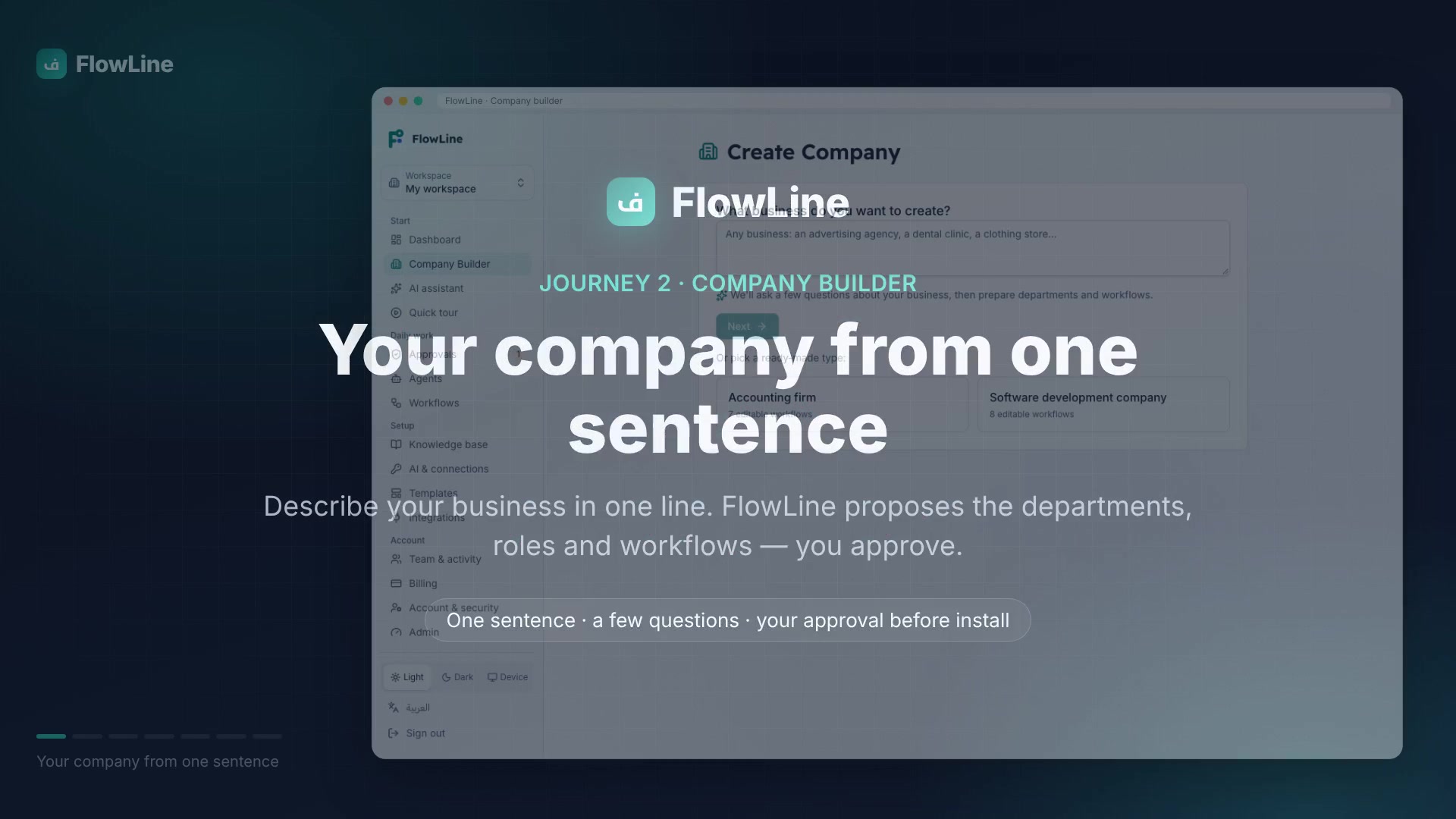
Describe your business in one sentence. FlowLine arranges your departments, roles, assistants and workflows, then shows you the result before anything runs.
14 days free, no payment card.
Why FlowLine
Four things that change your day
A whole company, not one task
Departments, roles, assistants and workflows that talk to each other, so the whole work sits in one place.
See how it worksReal work, and you stand in it
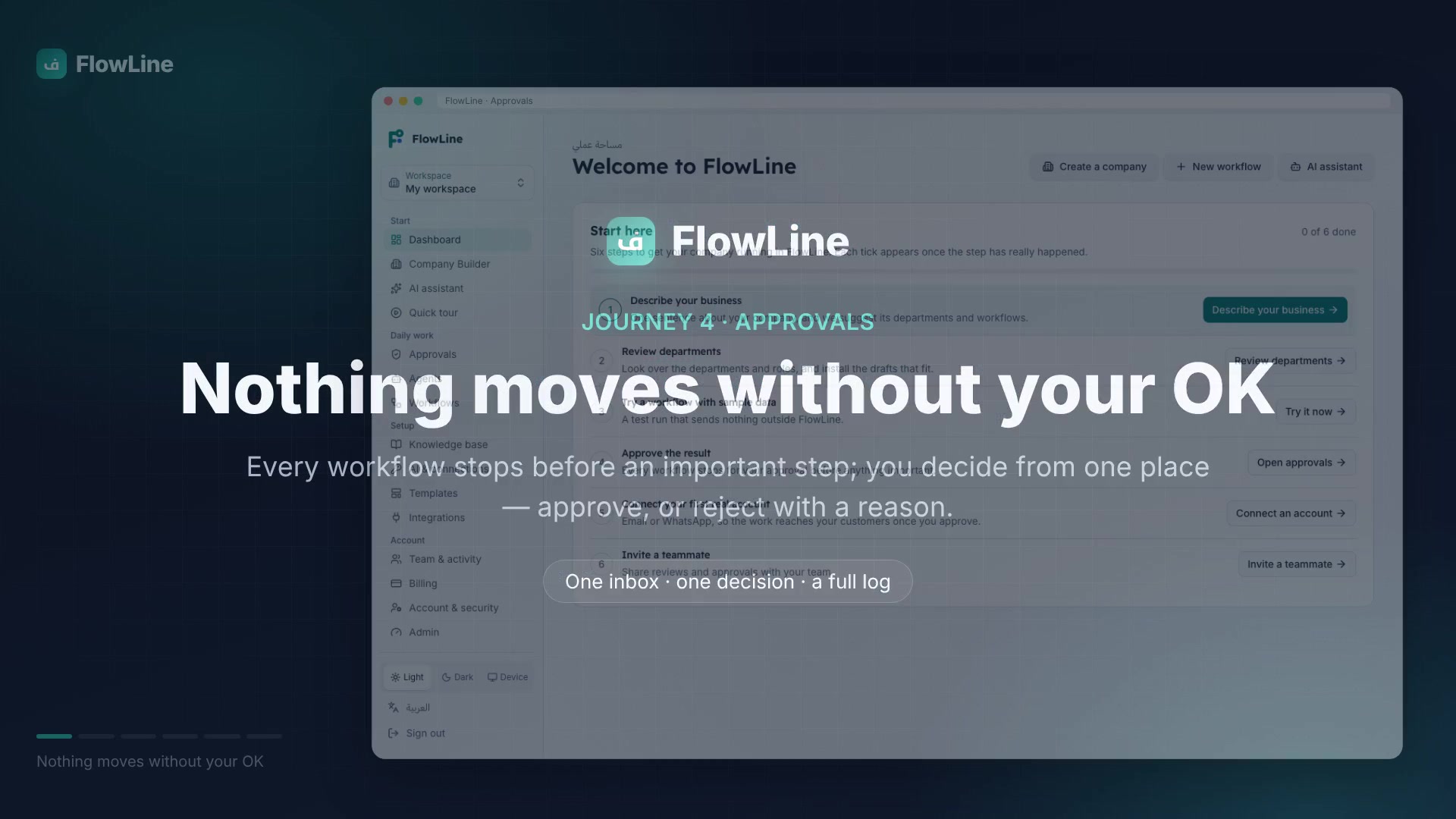
Every step is logged, and any message, invoice or outbound request waits for your approval before it runs.
See the approvalIt connects your tools, without coding
Telegram works both ways: the assistant answers your customers there. WhatsApp is one click: once you approve, the reply opens in WhatsApp ready for you to send. Plus email, Google Sheets and any other app your work needs.
See the toolsClear prices, no surprises
14 days free with no payment card, then one clear monthly price.
See the pricing
How you start
Three steps, each one clear
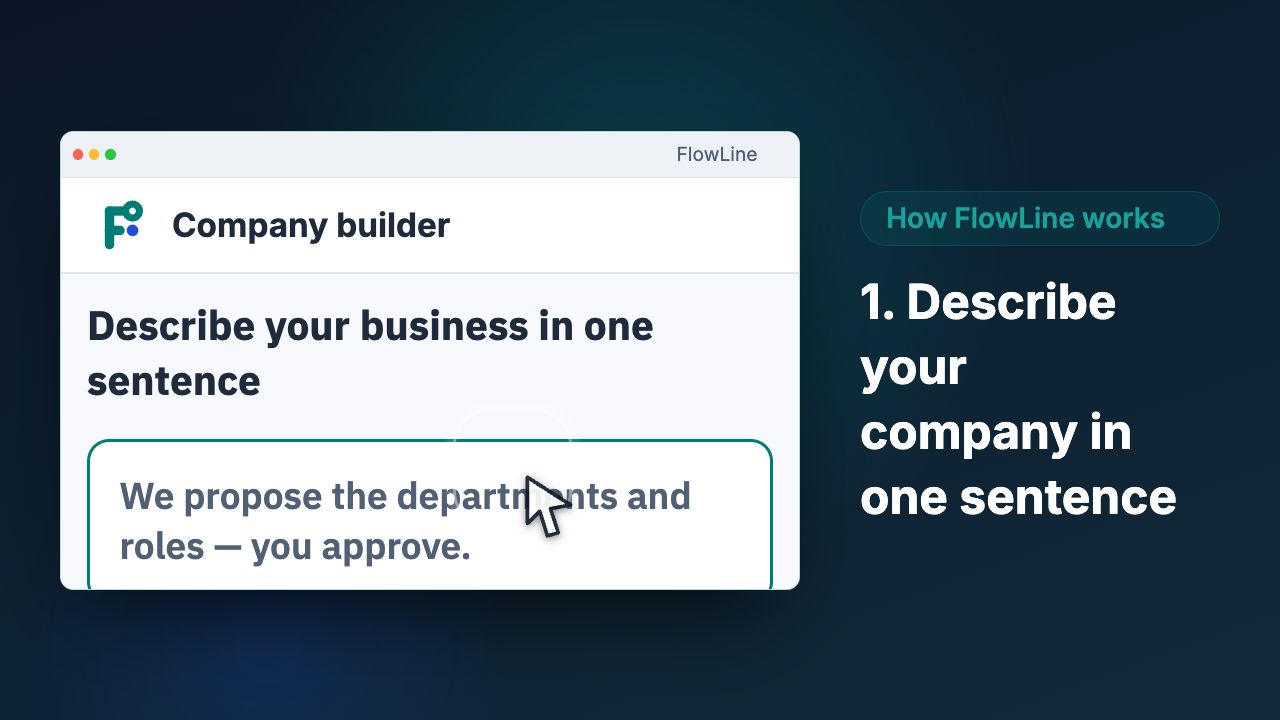
1Write your business
One sentence about your company: what it does, where it is, how big. FlowLine turns it into a whole company shape.
2Review before it runs
It arranges departments, roles, assistants and workflows and shows you the result, so you adjust it before it works.
3Connect, then start
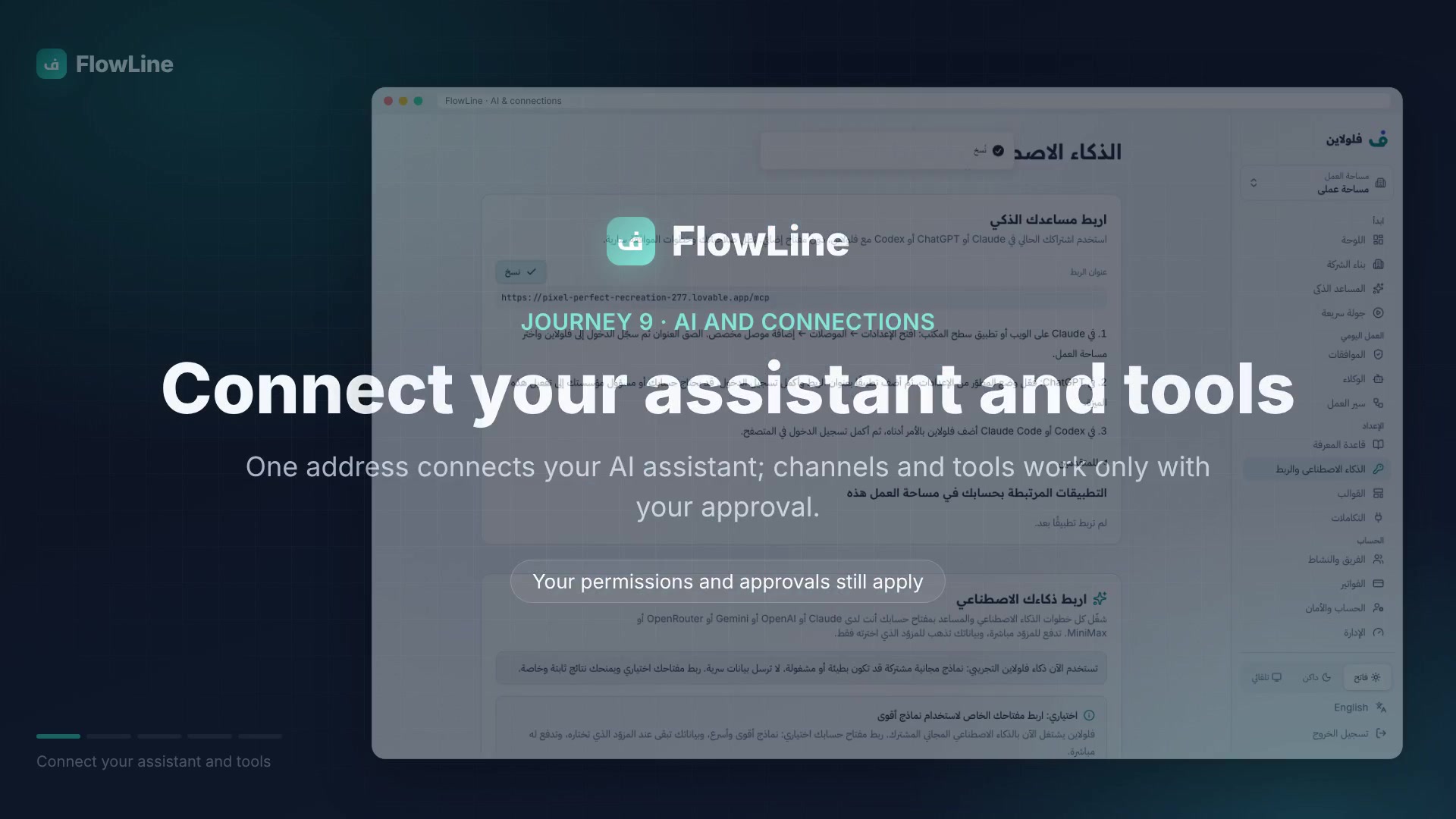
Connect Telegram so the assistants receive your customers' messages and answer them, or your email or sheets. On WhatsApp the assistant prepares the reply: you approve it, then one click opens it in WhatsApp for you to send.
A company working in front of you
Open your company and watch it work
A demo of the live view: a dental clinic handling appointments, an assistant answering messages, the owner approving invoices.

A demo with made-up data: it writes nothing to your account and reads none of your data.
It connects your tools
Connect the tools you already use
Customer messages, your email, your sheets and files, and payment cards — all inside the same work.
- Telegram
- Gmail
- Google Sheets
- Google Drive
- CRM
- Your website
- Paymob
- Stripe
- Connect any app through MCP or API, from FlowLine
You make the connection: a limited permission per service, and you can cancel it at any time.
Step one
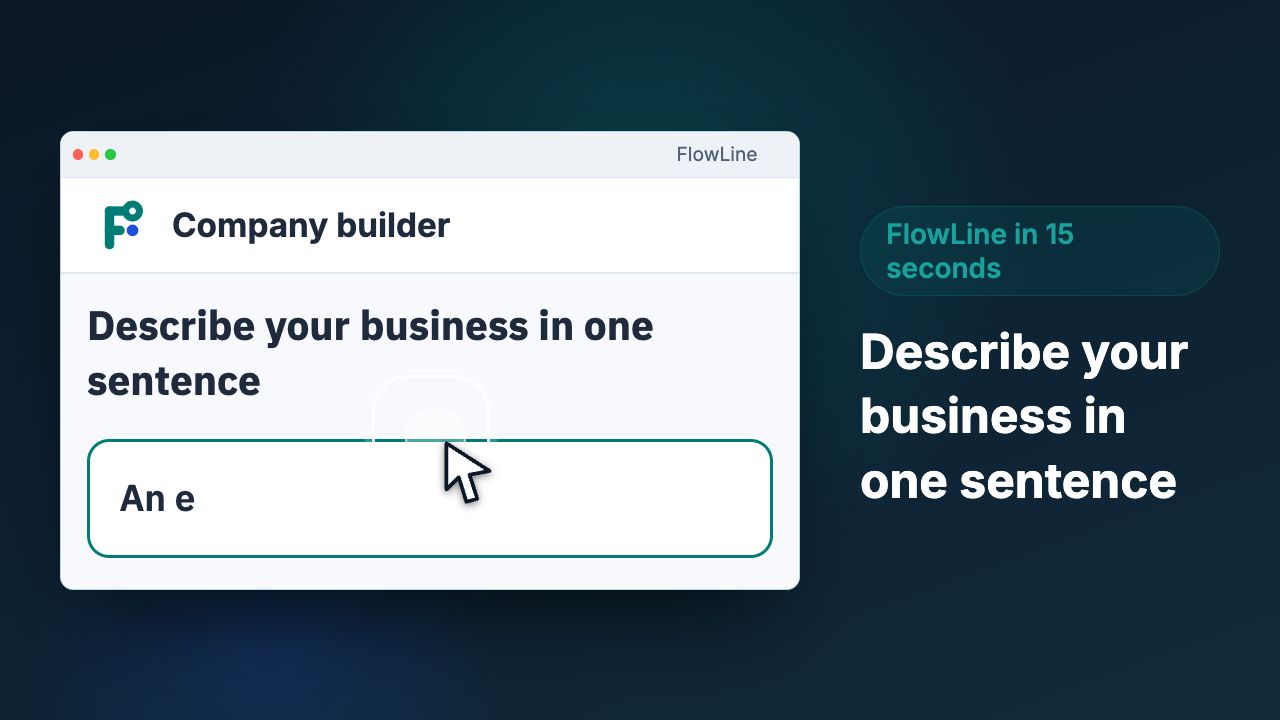
Describe your business in one sentence
You write what you do
For example: “A dental clinic in Riyadh with three doctors.”
FlowLine understands it
It asks a few short questions and picks out what it needs.
Your company takes shape
Departments, roles and assistants, ready to review before anything runs.
Step two
Your company forms in front of you
Clear departments
Sales, operations, finance and customer care, each with its part.
An assistant per role
Each role gets an assistant that knows its tasks and documents.
Connected workflows
Steps that link departments, which you can see and change yourself.
Step three
You always decide
The assistant works
It prepares the reply, invoice or report for you.
It stops for your approval
Nothing goes out until you have reviewed it and said yes.
A clear log of every run
See what worked, what stalled and why, step by step.
Fits any kind of business
Pick your business and see what FlowLine does
Illustrative examples — build any of them and adjust it to fit.
Online store
New order to delivery
The problem
Orders get lost between chats and spreadsheets.
The result
Every order has a clear status; none get lost.
Build this for my business- 1
Starts when
A new order arrives from the site
- 2
Assistant
Checks address and stock, drafts a confirmation
- 3
Records
Adds the order to the orders sheet
- 4
You approve
You review large or unusual orders
- 5
After your OK
Sends confirmation and notifies the warehouse
Nothing is sent before you approve.
Get going fast
Start from a ready-made template
Ready-made workflows you can adjust. Nothing is sent before you approve.
Sort customer support requests
Sort an incoming ticket and ask someone on your team to approve urgent cases before replying.
Open it in templatesInvoice processing
Check an invoice, ask for approval above a set amount, then record it.
Open it in templatesCustomer follow-up
After an order is delivered, AI writes a follow-up, and you send it on WhatsApp after you approve.
Open it in templatesContent approval before publishing
Draft a post with AI, then send it to someone on your team to approve before publishing.
Open it in templates
Pricing
Three plans, one clear price
Free pilot
For one person running their own work.
Price announced soon
- Most popular
Company
For a small team that is growing.
Price announced soon
Team
For a company with a large team.
Price announced soon
14 days free, no payment card.
Privacy
You stay in charge, always
Arabic first
Arabic is the default, English is complete, and every page follows its language's direction.
Nothing is sent without your approval
Every step with an outside effect stops for you: approve, edit or reject.
Delete your data any time
Export it or delete it from your account settings, without asking anyone.
Who we are and where your data goes
FlowLine is built and run by Thoth Labs, Egypt.
Your data is kept private on secured cloud servers and is never sold or shared.
Full details in the Privacy policy
Questions
Questions owners ask us
Do I need to understand code?
No. You write your business in your own words and FlowLine suggests the rest: departments, roles, assistants and workflows, which you adjust before anything runs.
How much does FlowLine cost?
FlowLine has three plans. What each plan includes and its price are on the pricing page.
Is anything sent to my customers without me knowing?
No. Every result that matters waits for your approval: you see it first, approve or reject it, and only then it goes out.
Who is FlowLine for?
Owners of small and mid-sized businesses in Egypt, Saudi Arabia and the UAE who want their work organised without a technical team.
What if my services are not ready yet?
Nothing leaves FlowLine to the outside world until you connect the service yourself. Try the whole workflow as a draft first, then connect.
Who pays for the AI?
You do: either the free default model, or your own provider once you connect your key, at their prices. FlowLine adds no charge on top.
Does it work in Arabic?
Yes. Arabic is the default from the first screen, English is complete, and every page follows its language's direction.
Can I export or delete my data?
Yes. From your account settings you can export everything, or delete your account and its data completely.
How long does setup take?
One sentence is enough to start a draft. Then you fill in your departments and tools and build your first workflow in minutes.
Start with one sentence
No business plan and no timeline: say what you do, and let FlowLine suggest the shape of your company.
Start 14 days free14 days free, no payment card. You can delete your account whenever you like.